Free shipping on your first purchase of $40 or more

Din indkøbsvogn

Din indkøbsvogn er tom i øjeblikket.

FORTSÆT MED AT KØBE

1 / 8

Less Screen Time. More Creativity. Endless Fun!

$45.00 USD
Antal
 
Make screen time hands-on

Less Screen Time. More Creativity. Endless Fun!

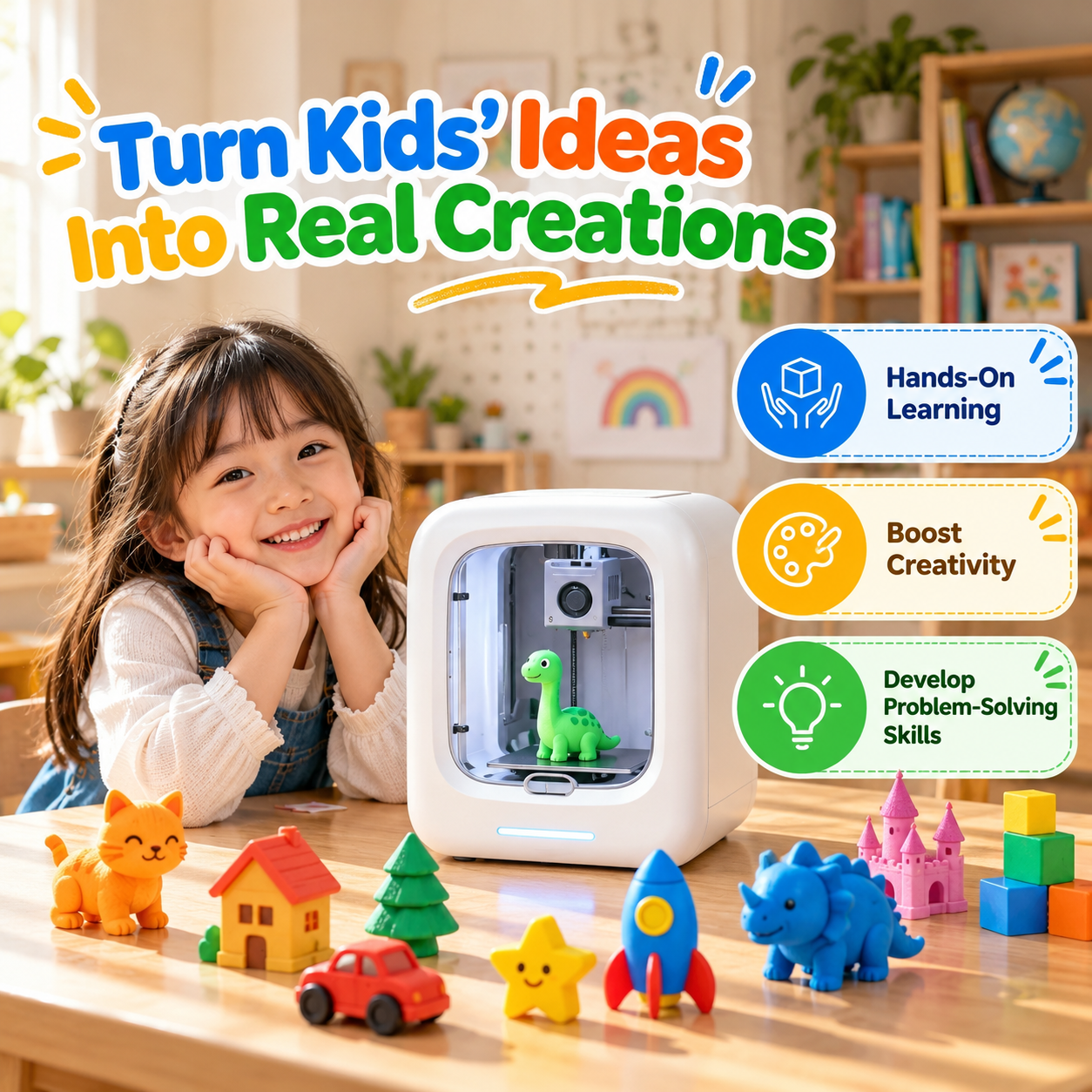
Turn “I'm bored” into “Look what I made!” This beginner-friendly 3D printer helps kids turn digital ideas into small creations they can hold, display, and share.

Explore ready-to-print projects, create playful figures and decorations, and enjoy making something together.

  • Beginner-friendly app controls
  • Automatic bed leveling
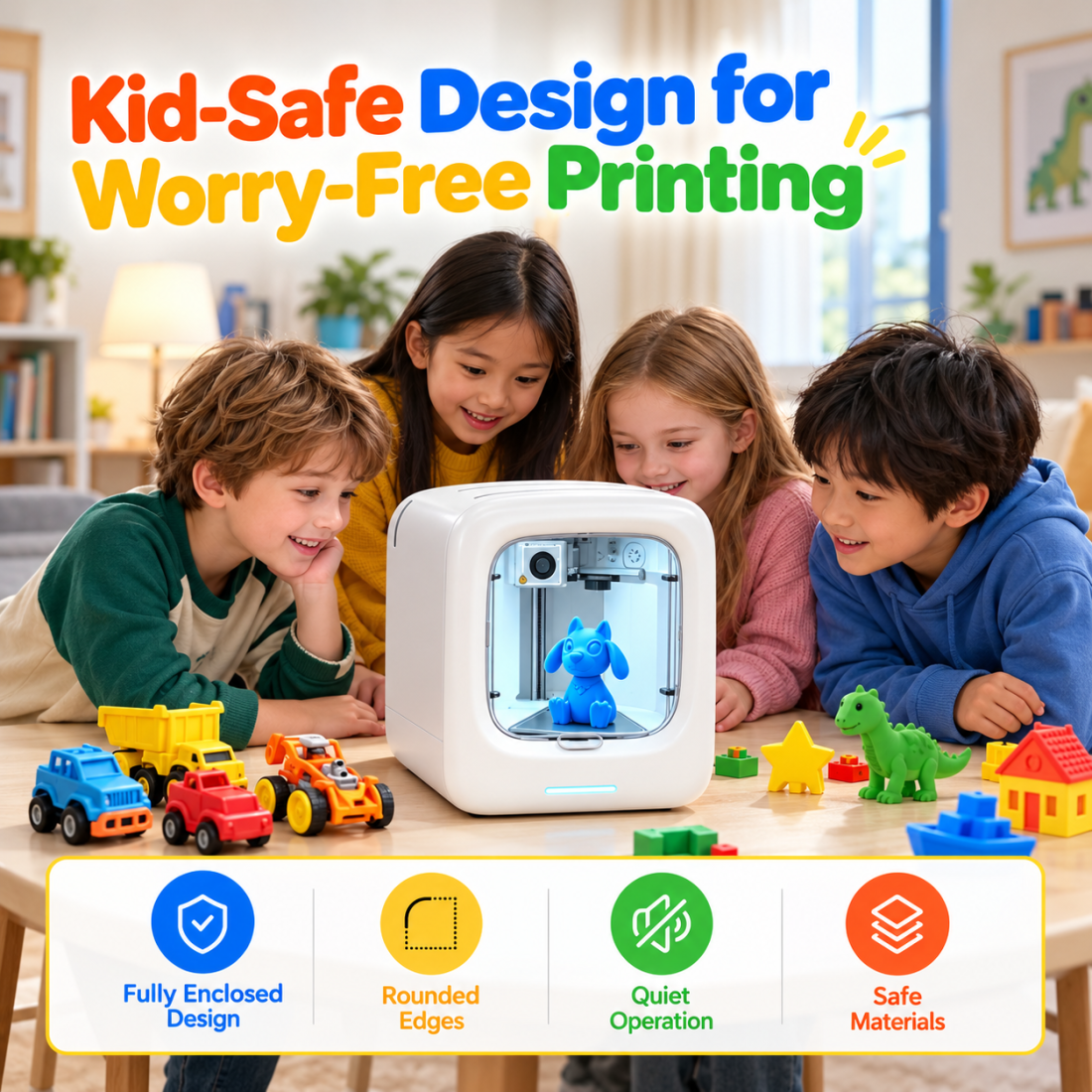
  • Enclosed printing area
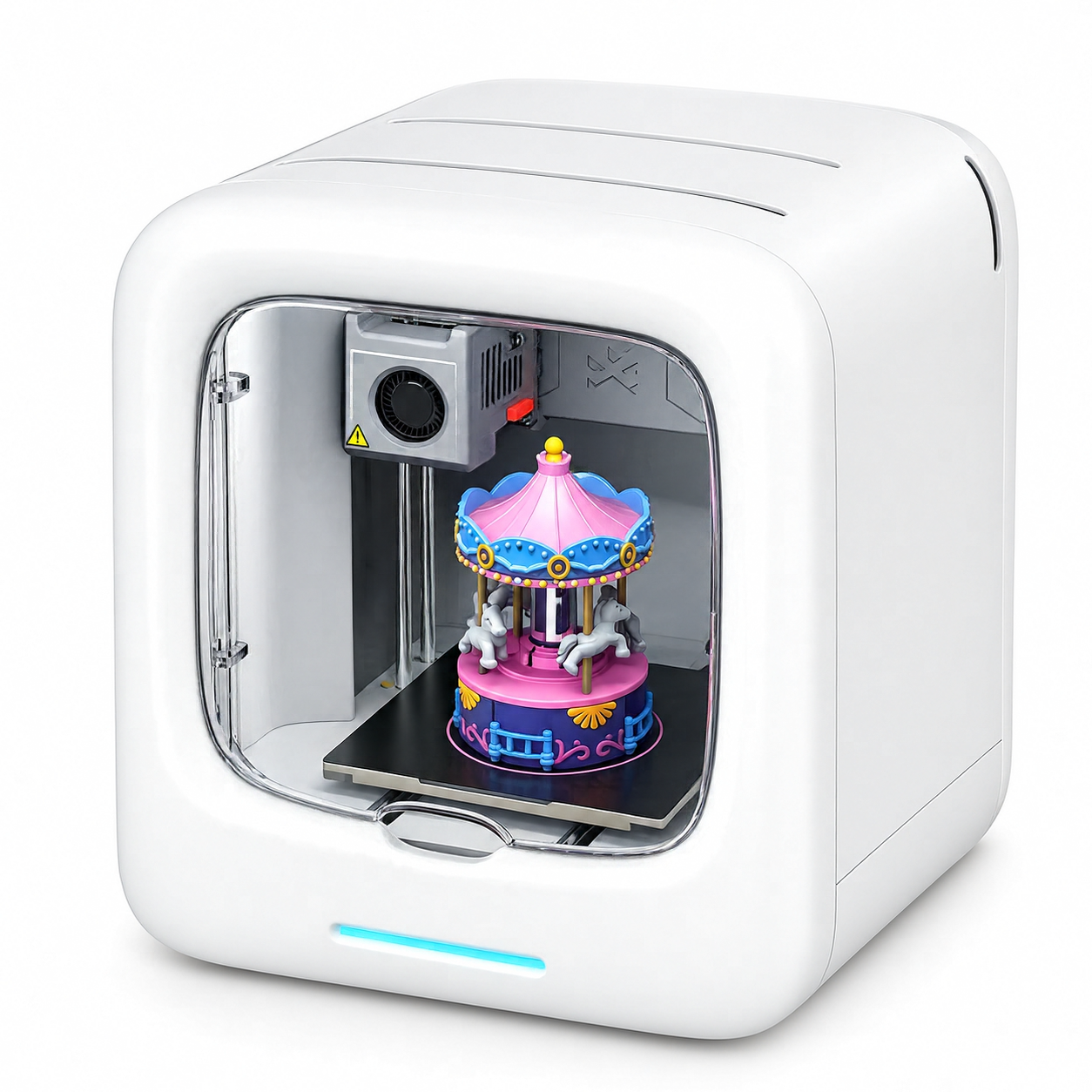
Compact enclosed 3D printer with colorful filament and a printed carousel model

Ideas Become Real

Choose a design and watch a playful project take shape layer by layer.

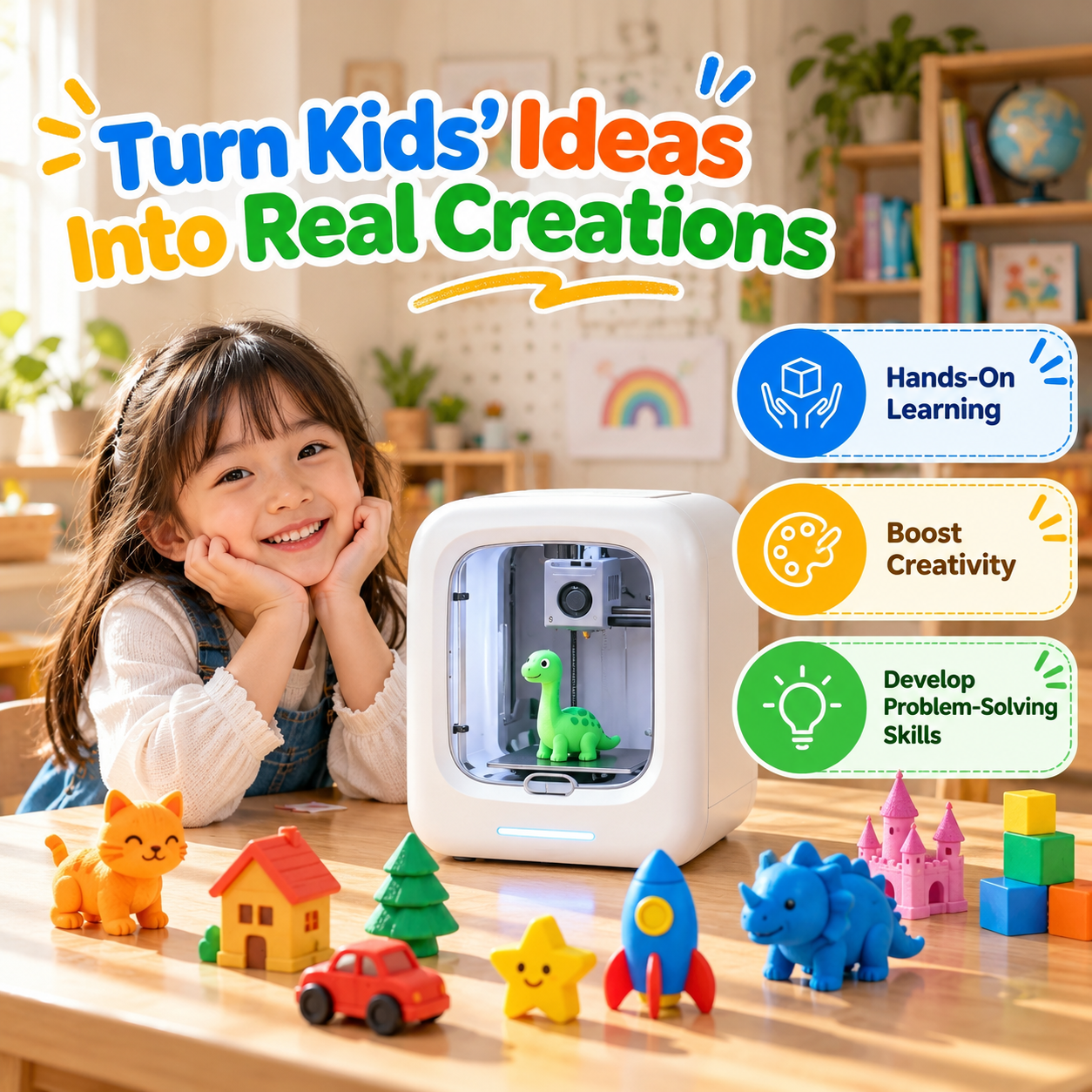
A Creative Use for Tech

Give kids a hands-on way to explore designing and making.

Make It a Family Activity

Pick a project, follow its progress, and celebrate the finished creation together.

A little idea goes a long way

Explore the ways kids can create, learn, and share projects at home.

Family exploring a 3D printing project at home
Easy to get startedSimple controls and ready-to-print designs.
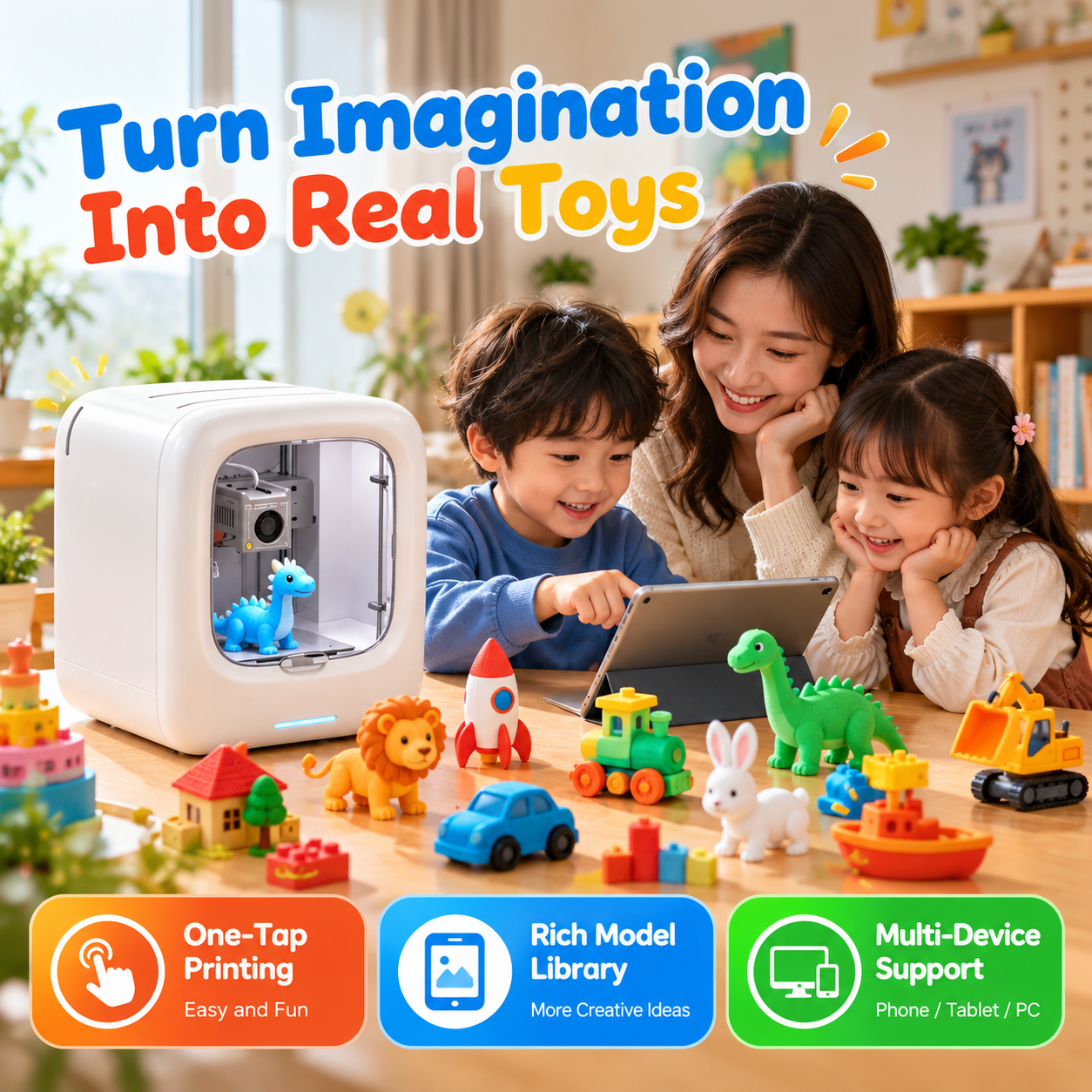
Children and a parent enjoying small printed toys
Turn imagination into toysMake small figures, playful objects, and keepsakes.
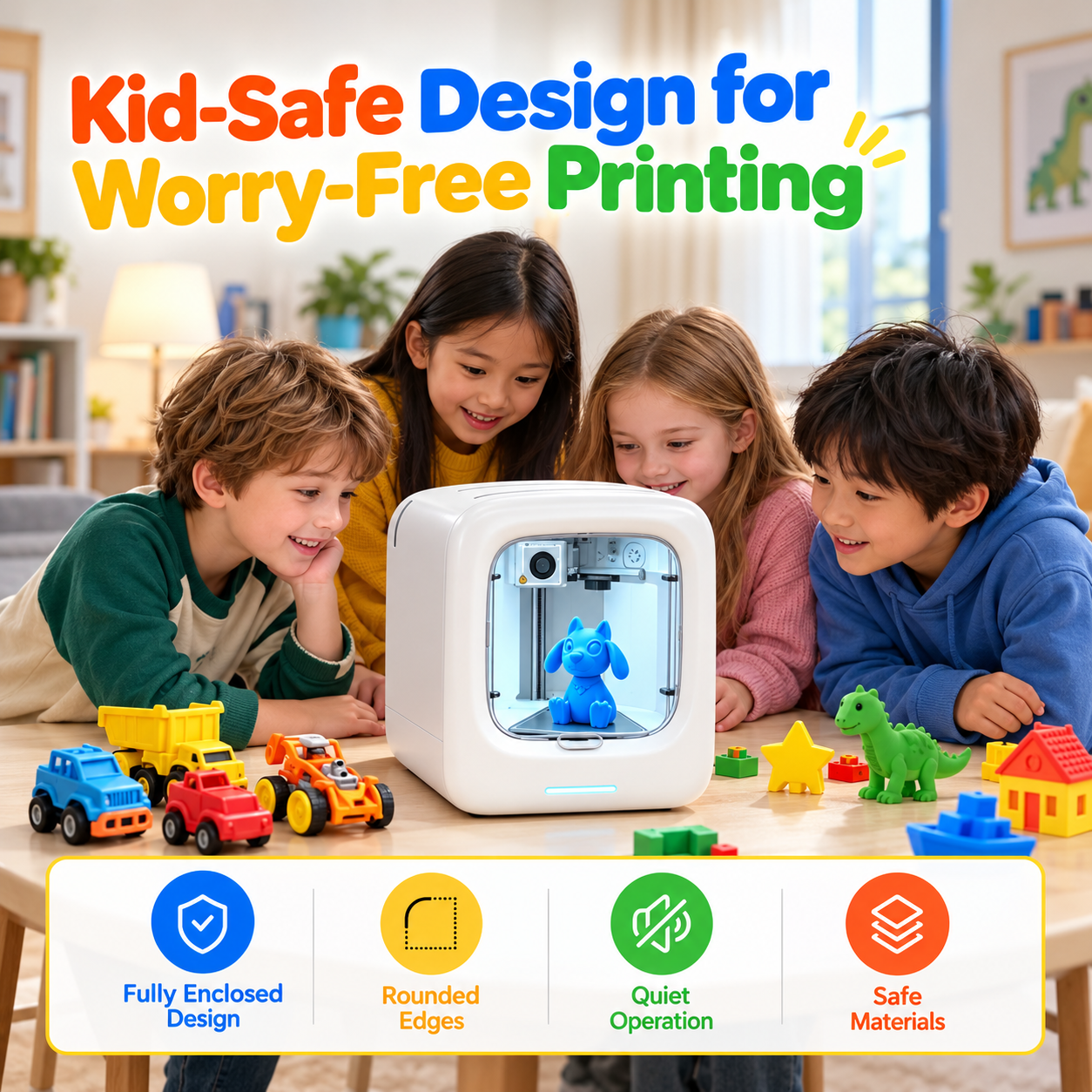
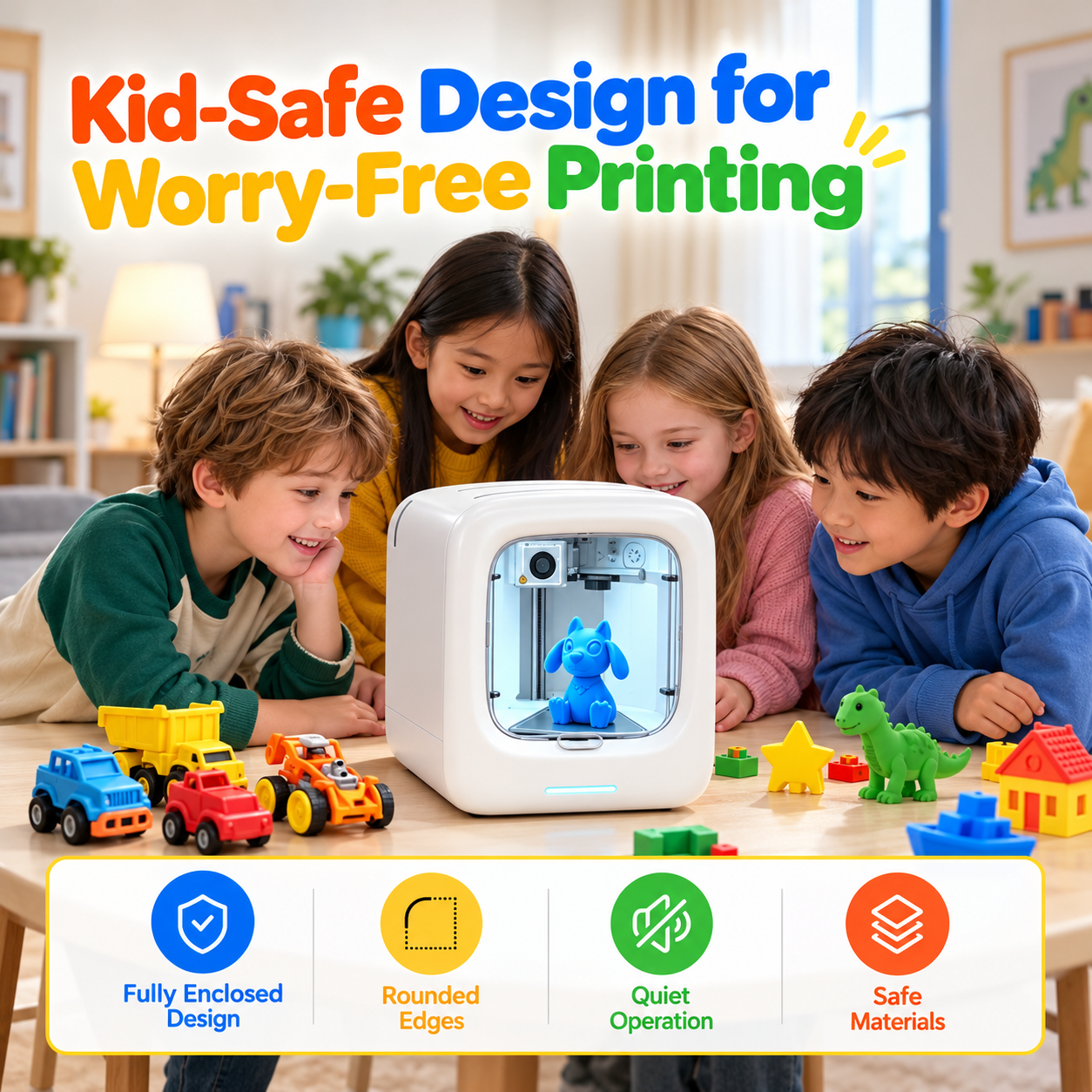
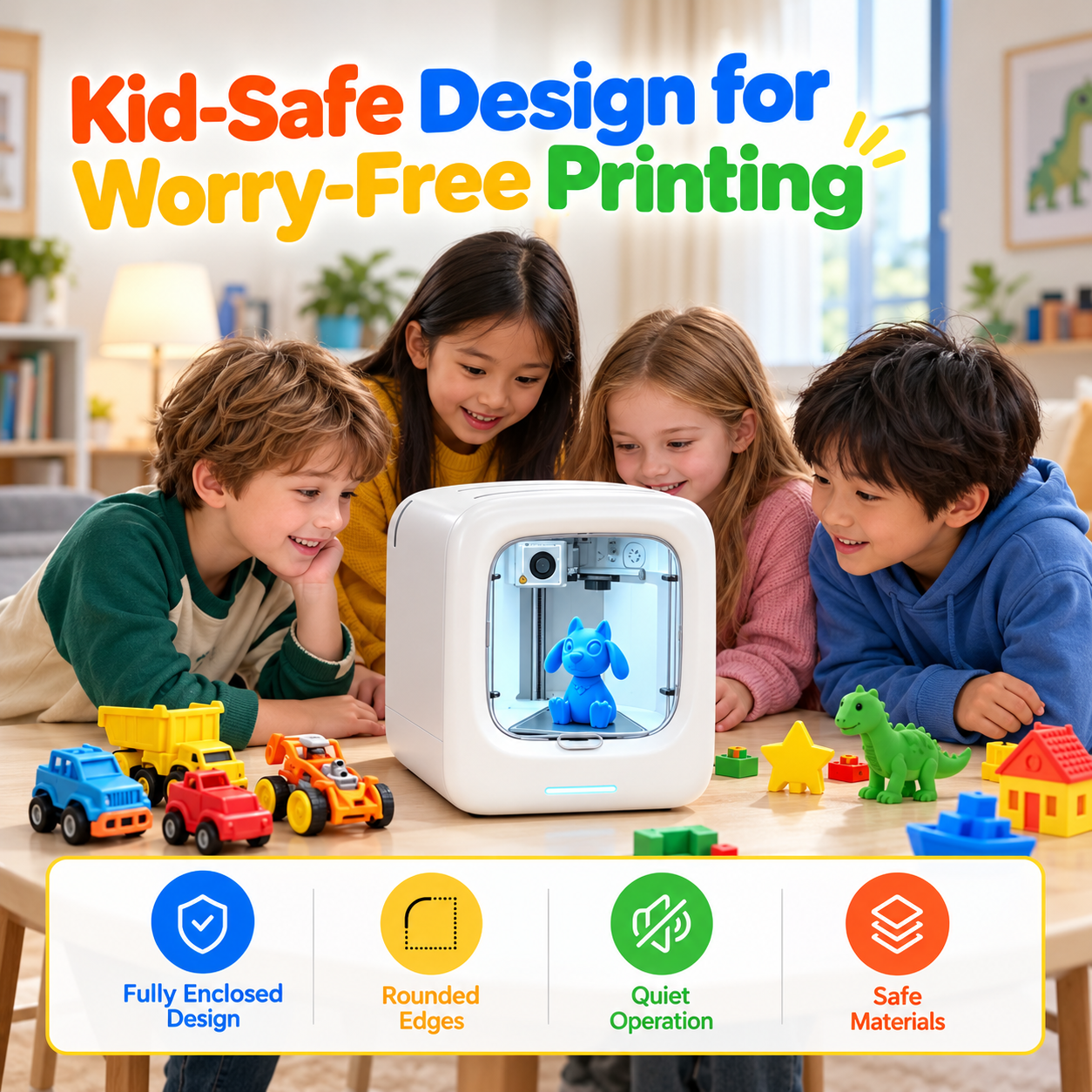
Children watching a 3D printer with an enclosed printing area
A contained printing spaceUse the enclosed design as part of a supervised family setup.
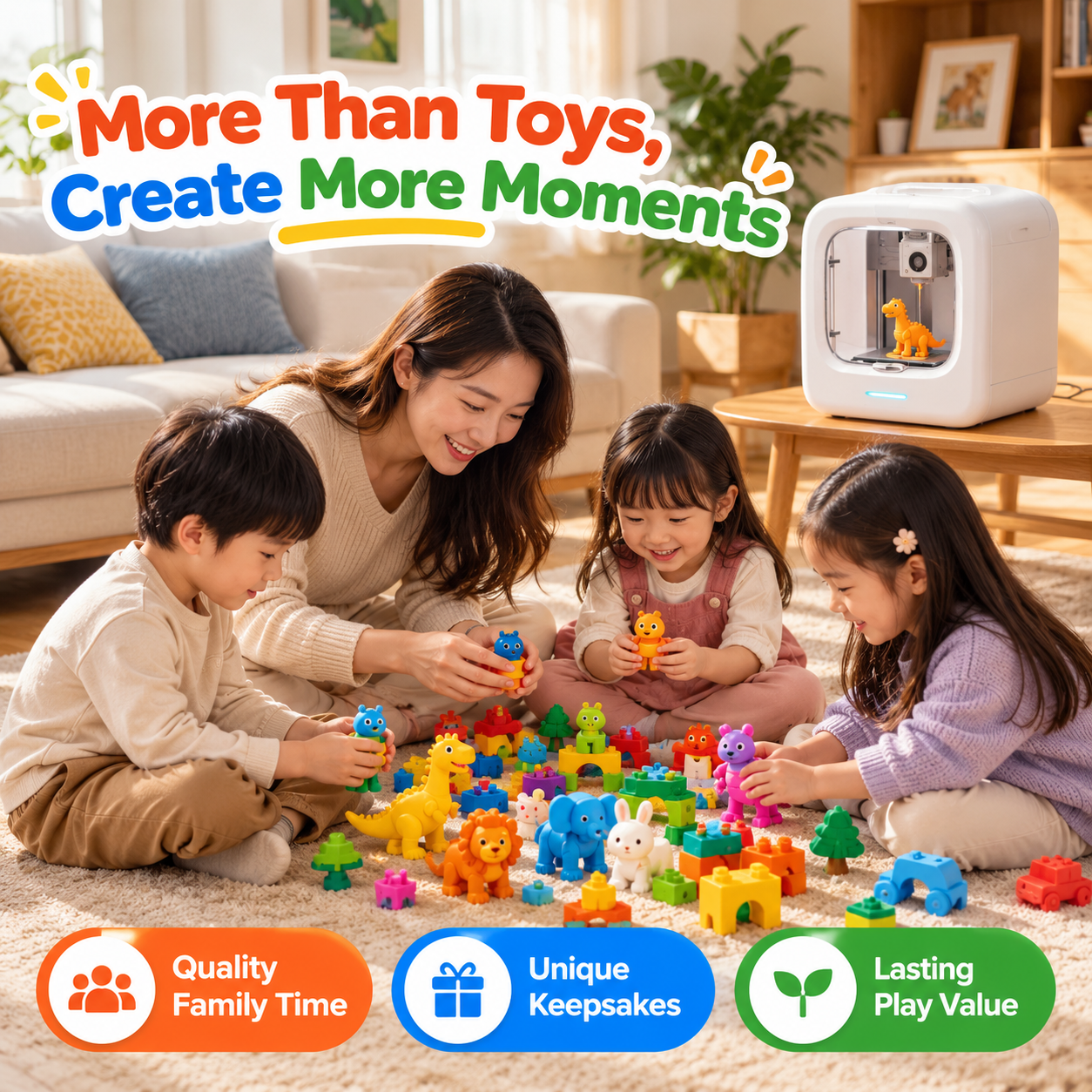
Parent and children sharing creative play with colorful printed models
Create more moments togetherMake project time a shared part of the day.
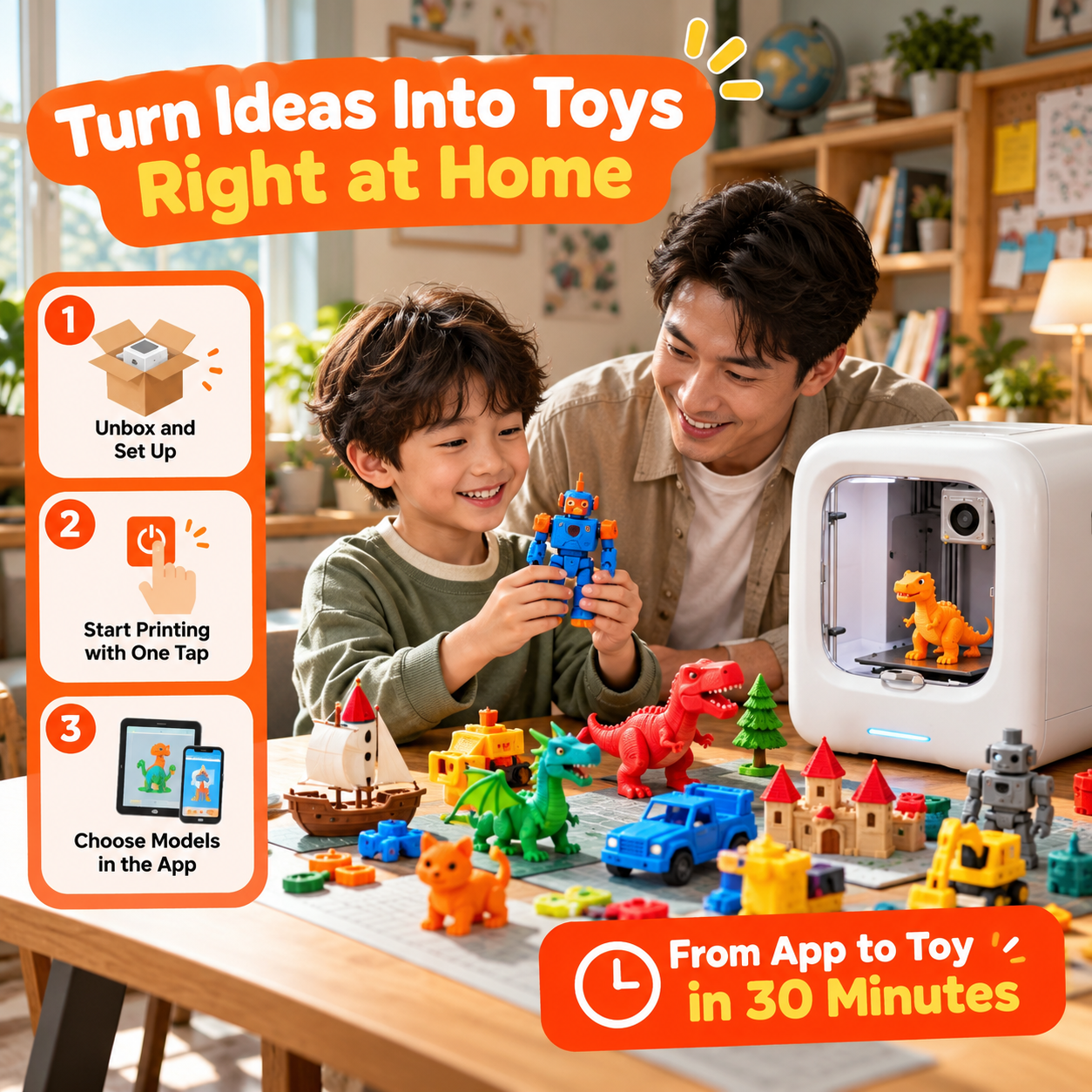
A parent and child setting up a 3D printing project
A simple first-print flowChoose a compatible model, prepare it in the app, then print.
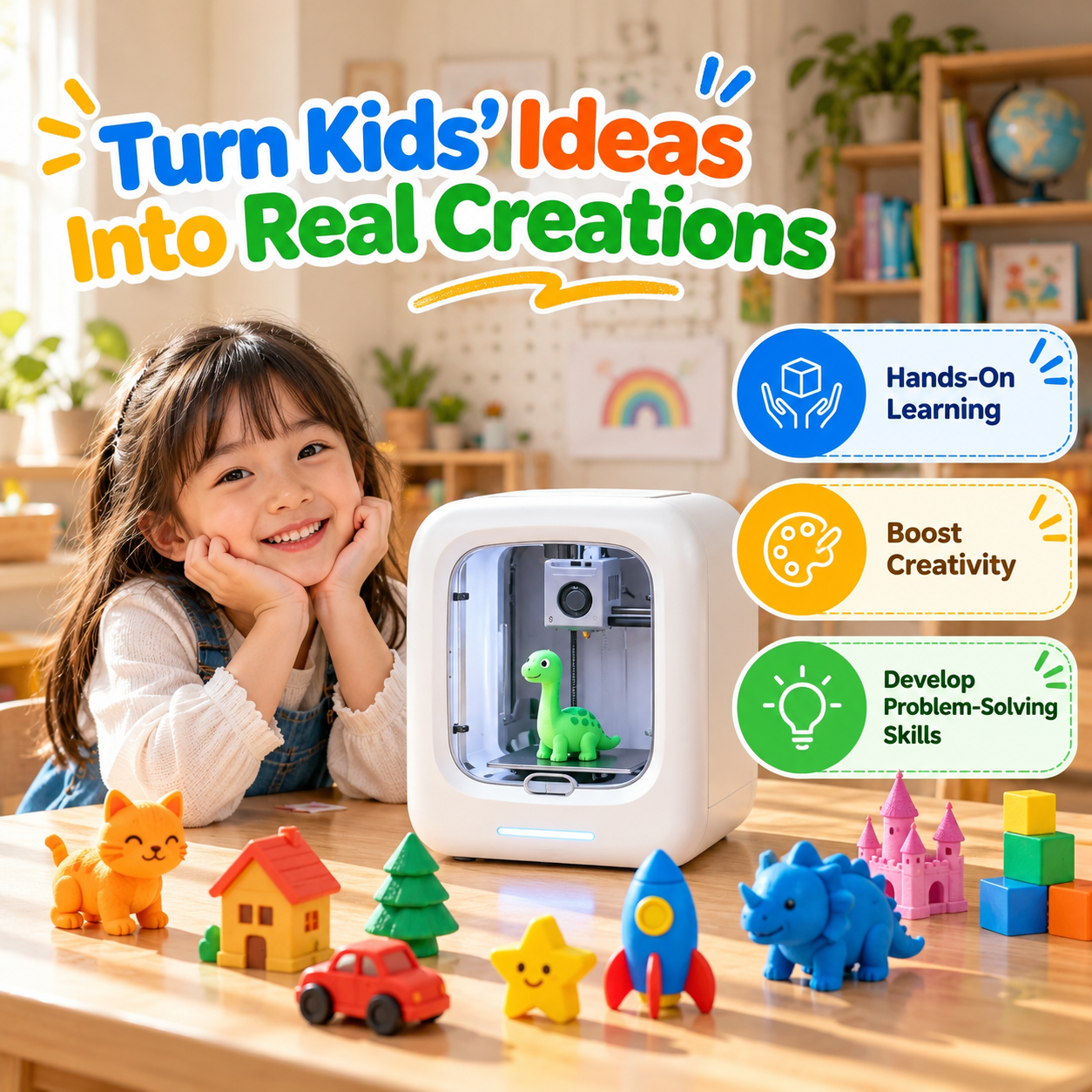
Child exploring hands-on creative projects beside the printer
Learning through makingExplore shapes, structures, and design through projects.

Swipe or scroll to explore all six scenes

Images show example projects and use scenes. Print times and results vary by model, settings, and operating conditions.

Pick a starting point

What will they make first?

Tap a category to see a few ways to get their creative journey going.

Make a new favorite character

Explore small animal figures, playful objects, and creations that fit within the printer's build area.

Add a personal touch to their space

Try small decorations, desk accessories, or colorful display pieces made from compatible designs.

Learn by making and exploring

Explore shapes, structures, spatial thinking, and basic design concepts through hands-on projects.

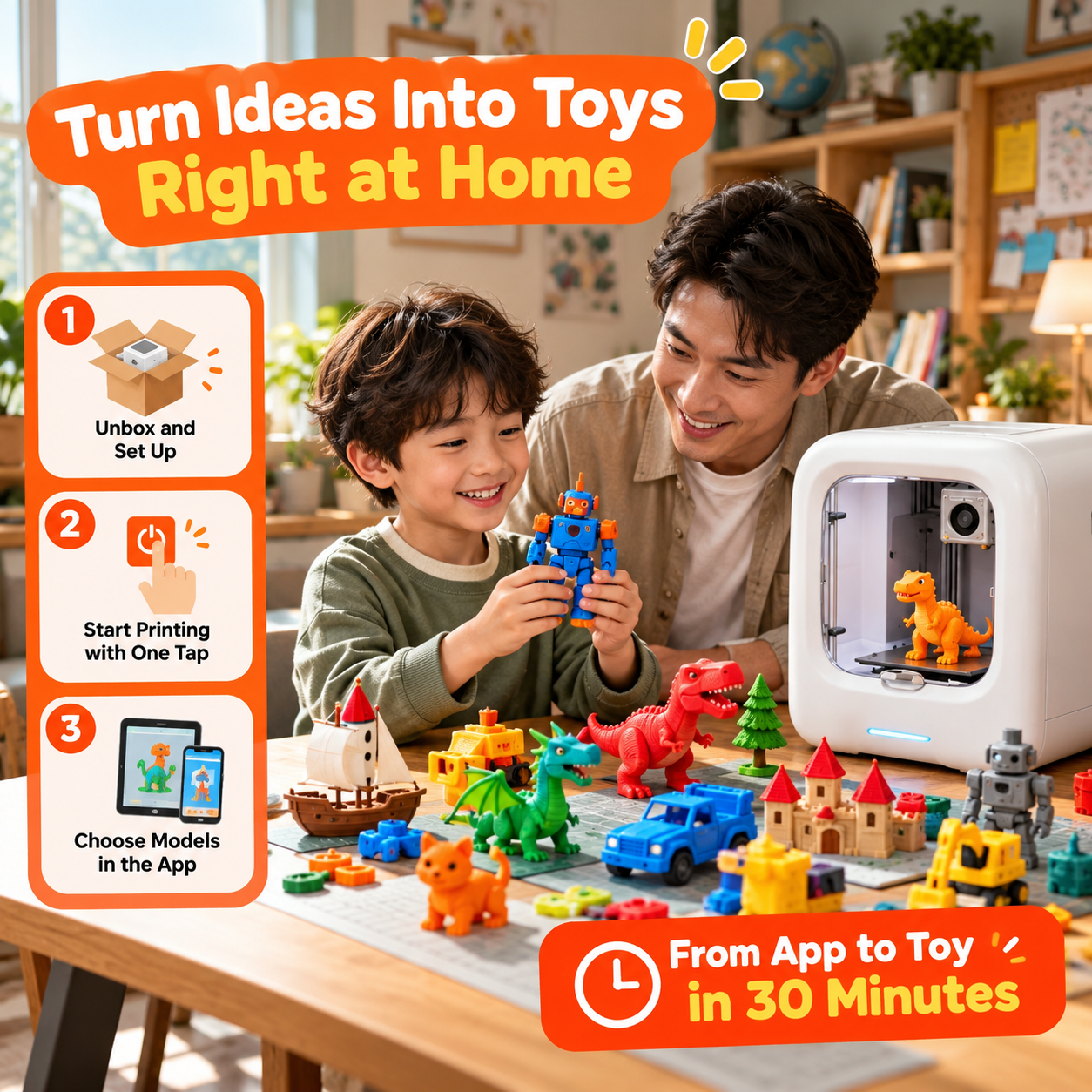
Your first project, step by step

From a little idea to a real creation

Begin with a compatible ready-to-print design, then explore more as confidence grows.

Choose a design

Browse the model library or available design tools.

Prepare in the app

Select a compatible model and get it ready for printing.

Start the print

Send the project to the printer over the supported connection.

Enjoy the result

After it cools, an adult can help remove the model from the build plate.

Enclosed 3D printer displaying a colorful printed carousel model
Small footprint. Big ideas.

Creative features at a glance

A compact setup with approachable tools for curious young makers and their grown-ups.

Build area120 × 120 × 120 mm
Print detailDown to 0.05 mm
MaterialCompatible PLA filament
ConnectionWi-Fi via compatible app
Setup supportAutomatic bed leveling
MonitoringBuilt-in camera with compatible app

The standard starter package includes a starter supply of PLA filament. Additional filament may be purchased separately.

Good to know

Frequently asked questions

Is it suitable for beginners?

Yes. Simple app controls, automatic bed leveling, and ready-to-print designs help make it approachable for first-time creators. Children should use it with adult supervision.

What age group is it designed for?

The recommended age range is 4–12 years. Adult supervision is required, especially for younger children.

What can children make?

They can explore small figures, decorations, personalized projects, and learning models when the design fits the build area and uses compatible material.

Does it support wireless printing?

Yes. Wi-Fi connectivity is supported through the compatible application. The built-in camera supports in-app print monitoring when used with the compatible app.

Does it include printing material?

The standard starter package includes a starter supply of PLA filament. Additional filament may be purchased separately when needed.

Can children use it on their own?

No. It should not be treated as an unsupervised toy. The nozzle and internal components can become hot. An adult should supervise setup, printing, and removal, and follow the operating instructions.

Adult supervision is required. Keep hands away from hot components and moving parts, use the printer in a suitable ventilated area, and follow all operating instructions.
Make room for more “Look what I made!”

Give their imagination something real to create.

Choose a project, learn as you go, and enjoy each creation together.

Explore the Printer
Less Screen Time. More Creativity. Endless Fun! Less Screen Time. More Creativity. Endless Fun! Less Screen Time. More Creativity. Endless Fun! Less Screen Time. More Creativity. Endless Fun! Less Screen Time. More Creativity. Endless Fun! Less Screen Time. More Creativity. Endless Fun! Less Screen Time. More Creativity. Endless Fun! Less Screen Time. More Creativity. Endless Fun!

You may also like